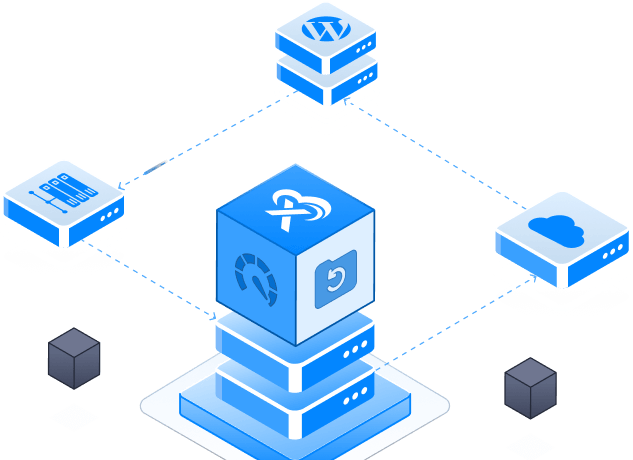



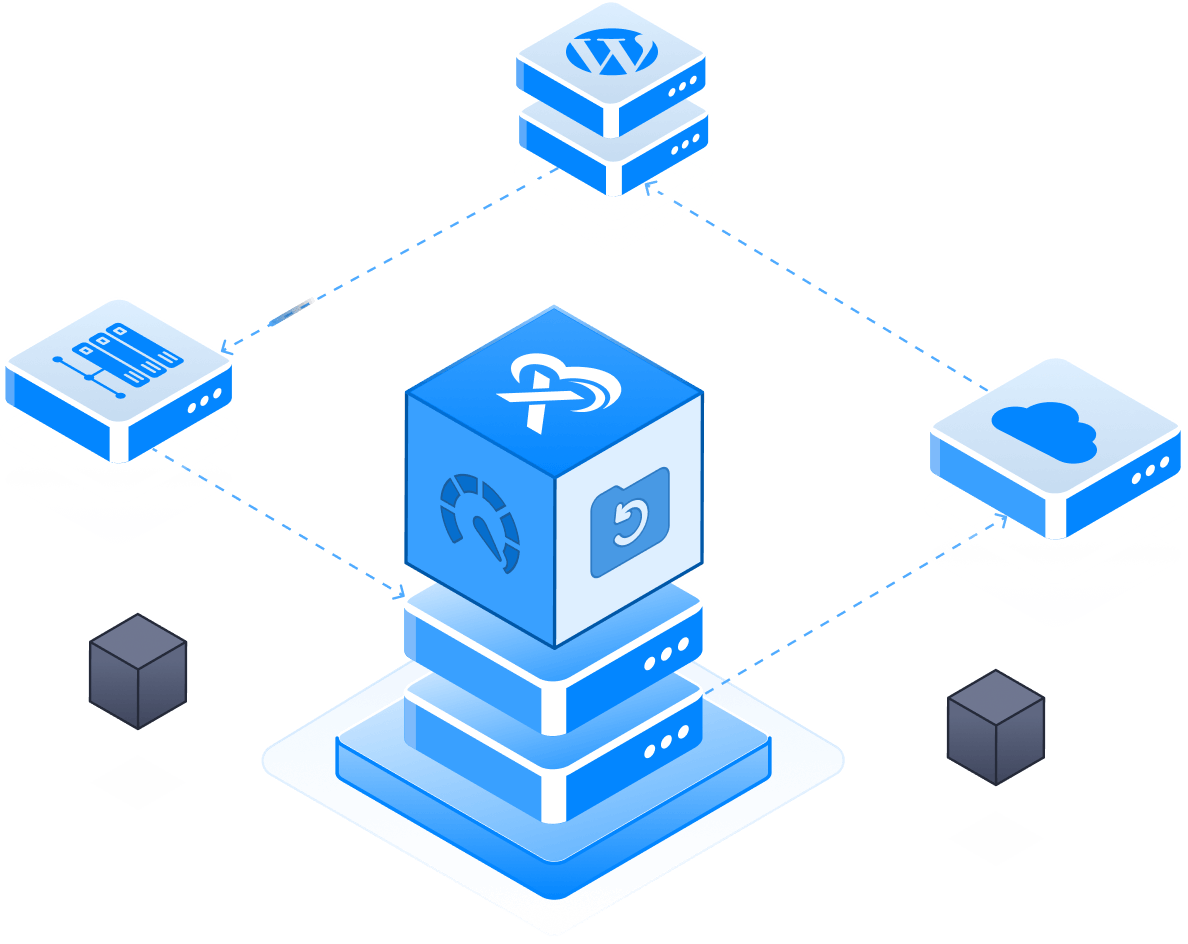
Full root access on sites and servers
14 days moneyback — No card required
Access 1 Server & 10 Sites Free


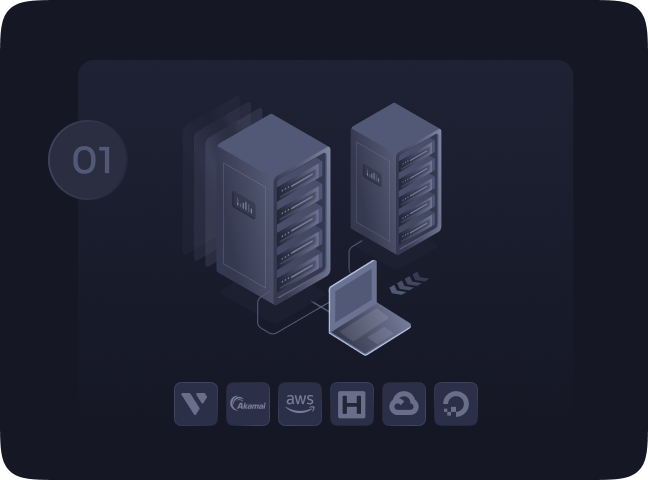
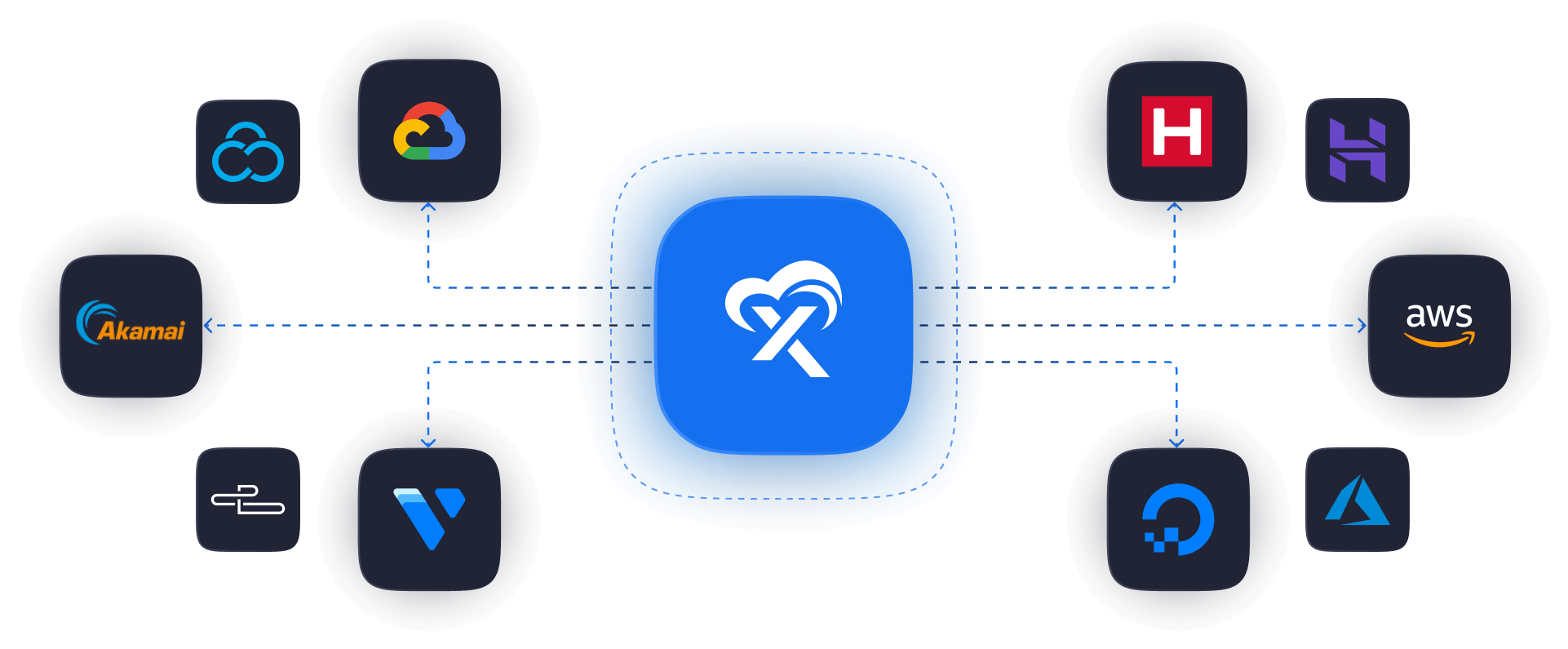
Connect Your Server
Select the server providers and connect with xCloud effortlessly.

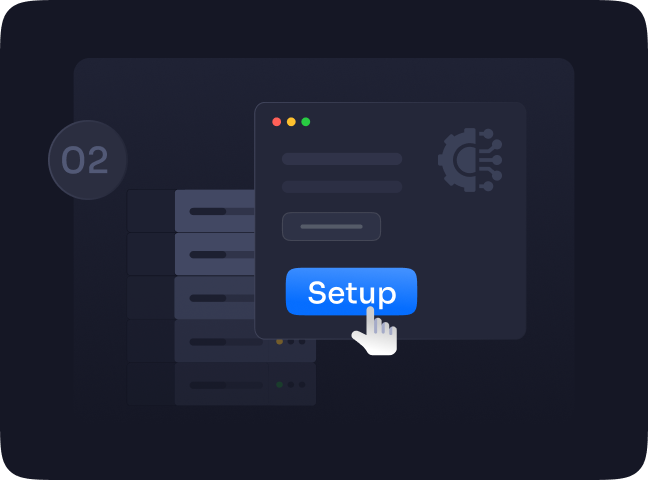
Setup Your Server
Set up your connected server with just a few steps & manage easily.
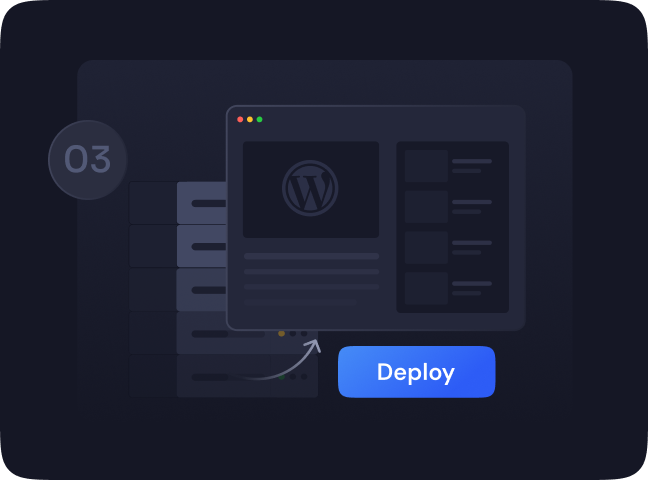
Deploy Your Sites
Deploy and Monitor WordPress Sites on your servers automatically.

Enterprise-Grade Security
Helps protect your server and sites against multiple kinds of security threats with Software Security Updates, Vulnerability alerts, SSLs, Backups & more

Easy Team Collaboration
Seamlessly collaborate and add team members to your projects and manage them easily. Get detailed access options for easy team collaboration.

Real-Time Monitoring
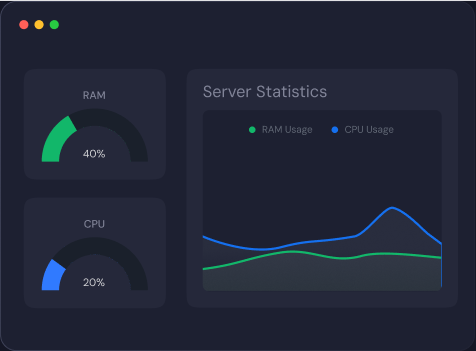
With real-time constant monitoring notifications, you can enjoy complete peace of mind while watching your business grow.


























Performance

Server Management

Site Management

Security



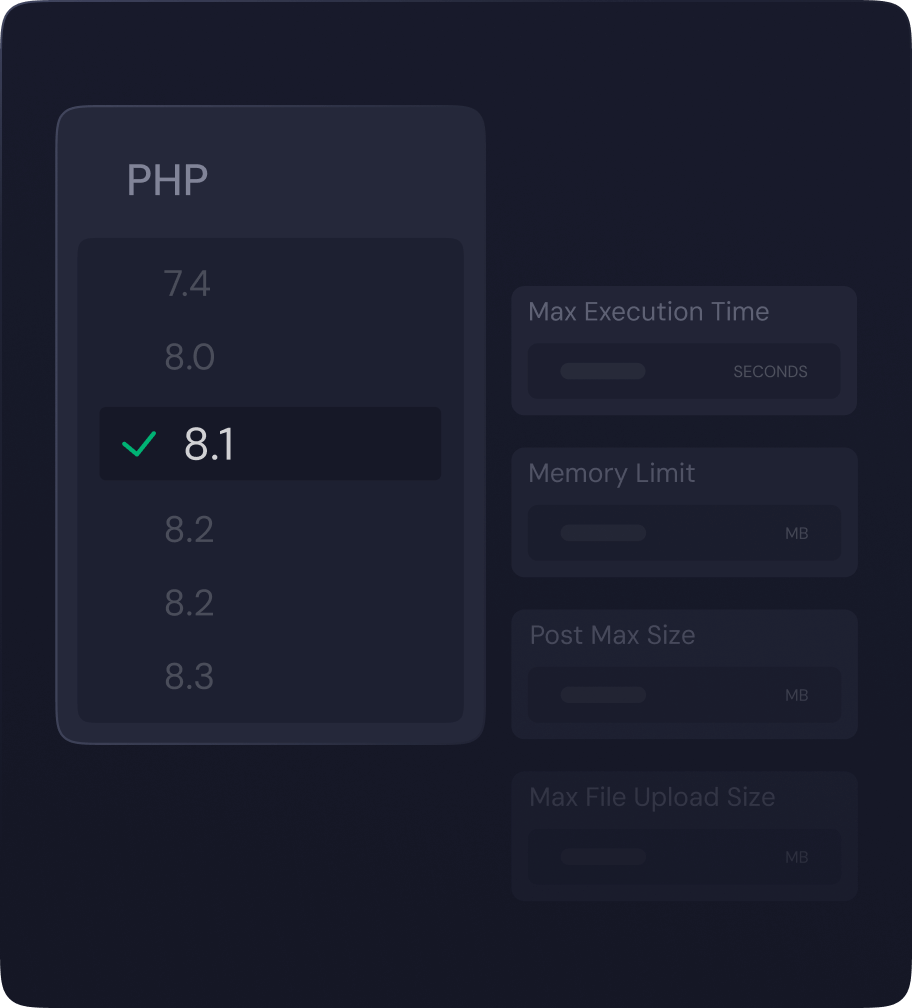
NGINX LEMP Stack
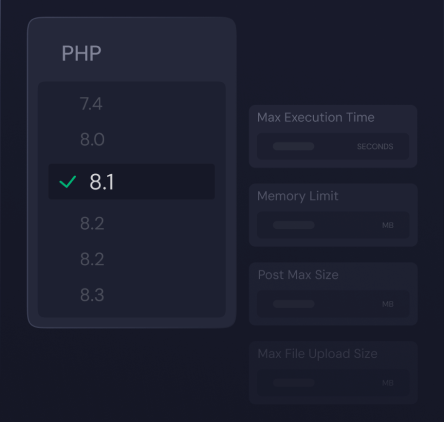
xCloud automatically installs a highly efficient LEMP Stack, optimized with PHP-FPM for superior performance.

OLS Stack
Experience a fully integrated OpenLightSpeed stack, meticulously prepared and ready to host websites seamlessly, ensuring optimal speed and reliability.
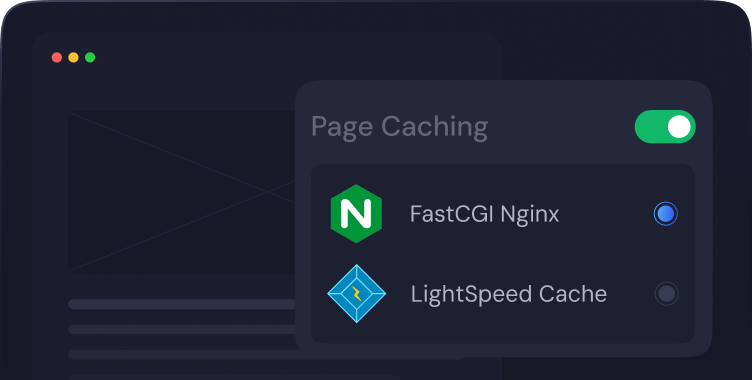
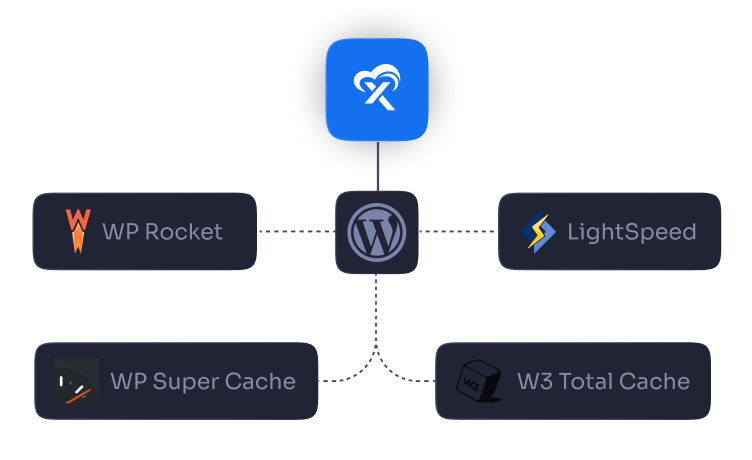

Lightning Fast
Speed

Ready-To-Go WordPress

Intuitive Control Panel

Server and Site Monitoring

Enterprise Grade
Security

Unlimited Free Migration

xCloud Managed Email Service

14 Days Refund
Policy




How is self-managed hosting different from managed hosting?
With xCloud Managed Hosting, you pay a single fee that covers both hosting and platform services. This includes exclusive features like server resizing and automated backups, which are handled entirely by our team.
On the other hand, with Self-Managed Hosting, you pay for hosting separately on your own provider, and xCloud charges a management fee of $5 per server per month, which can be reduced to $3 per server if you have more than 10 servers.
Both options include the same core features offered by xCloud—the main difference lies in who handles the hosting and how the services are billed.
How is self-managed hosting different from managed hosting?
xCloud managed means you pay us hosting and platform fee all in one place and we have exclusive server resize, server backup in xCloud managed. with self managed you need to pay on your hosting end and also in xCloud for management $5/month per server and can be lowered to $3/server if you add more than 10. All the features of xCloud managed and self managed are same.
What do I need to start using xCloud’s self-managed hosting?
Just integrate your server provider—such as DigitalOcean, GCP, or Hetzner—using our built-in integration method. You can also connect servers from any other provider.
Can I try xCloud for free?
What server types and stacks does xCloud support?
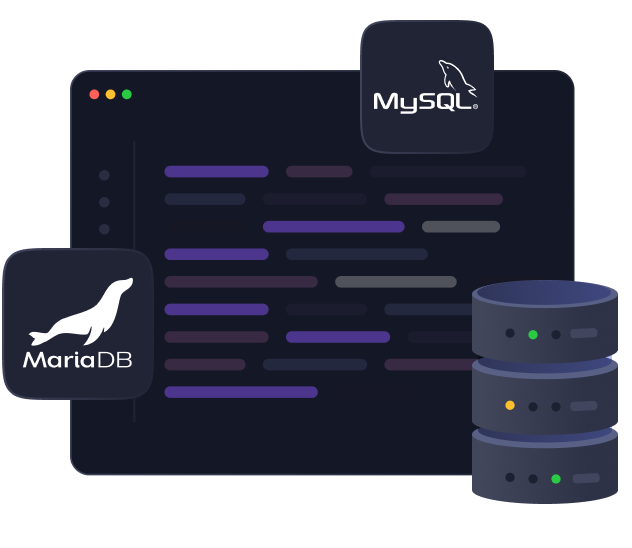
xCloud supports a wide range of software stacks including NGINX, OpenLiteSpeed (OLS), MySQL and MariaDB. It also works with ARM servers, making it flexible for various server architectures and setups.
Is it possible to migrate an existing WordPress site to xCloud?
Absolutely. xCloud provides free migration for unlimited websites. Our free migration plugin allows for a smoother transfer from your current host.
What security features does xCloud offer?
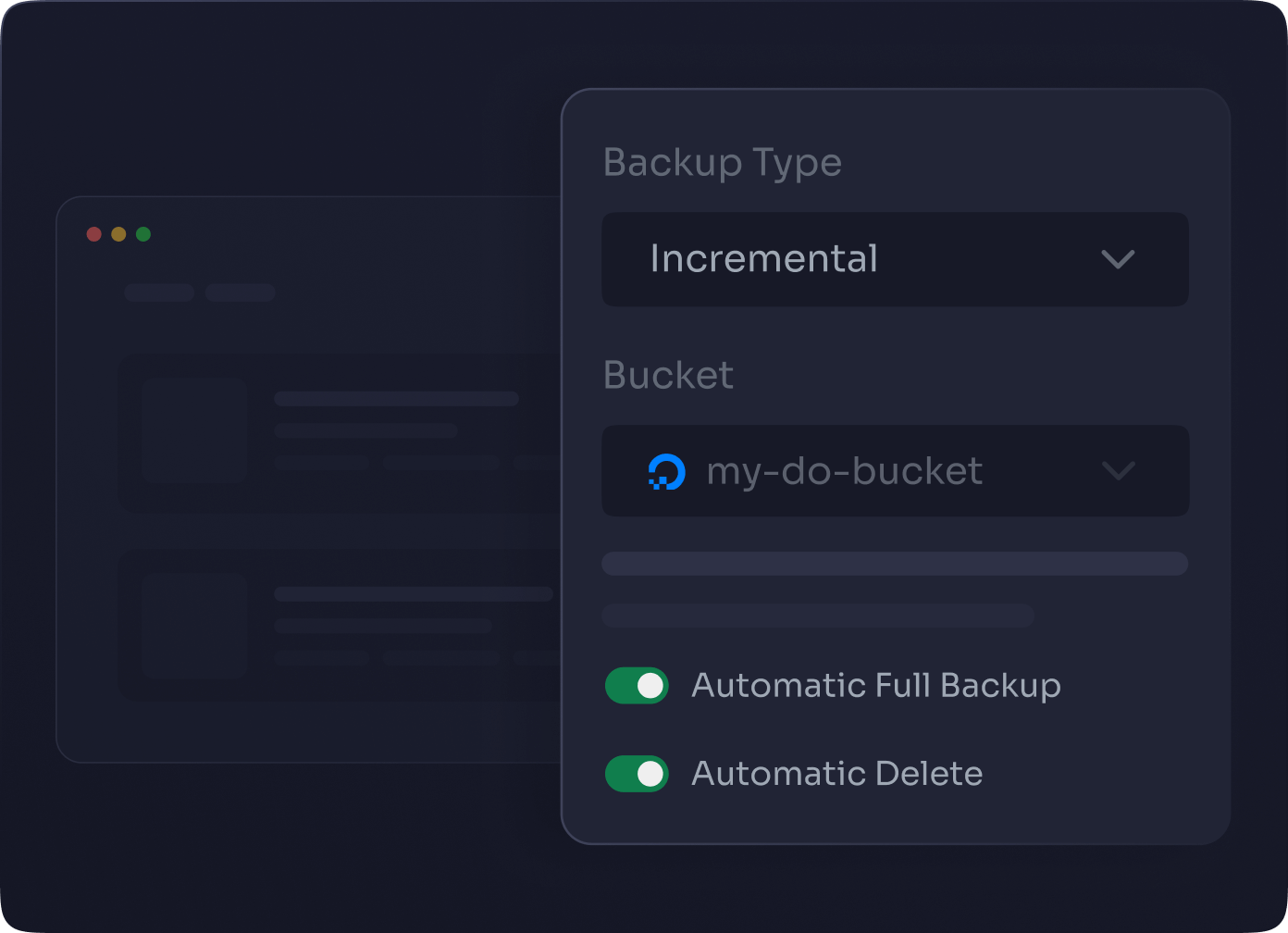
xCloud includes enterprise-grade security, such as Fail2Ban, firewall management, SSL certificates, automatic backups, vulnerability alerts, Site isolation and regular software security updates to keep your server and sites safe.
How do I manage my team within xCloud?
xCloud makes team collaboration easy with features that allow you to add team members, assign roles, and set detailed access permissions—all in just a few clicks from your control panel.
What kind of customer support does xCloud provide?
You get access to 24/7 live chat, a ticket-based support system, a comprehensive knowledge base, and a Facebook Community where users and experts share insights and help each other.
Are there any email services included with xCloud?
Yes! xCloud includes a Managed Email Service with 100 free transactional emails, making it easier to handle essential site communications like form responses and system alerts.You can also purchase more bundles later as your needs.

Connect Through Live Chat & Support

Be Part of Our Community

Explore Our Knowledgebase

Watch Our Video Tutorials